One Number, Ten Agents: Running a Shared WhatsApp Inbox That Actually Scales
Every growing business hits the same wall: the WhatsApp number that made you close customers in minutes becomes a bottleneck. The phone lives in someone's pocket, nobody knows who answered what, and conversations silently die on weekends. The fix is not a second number — it is a shared inbox on the number you already have.
What a shared inbox changes
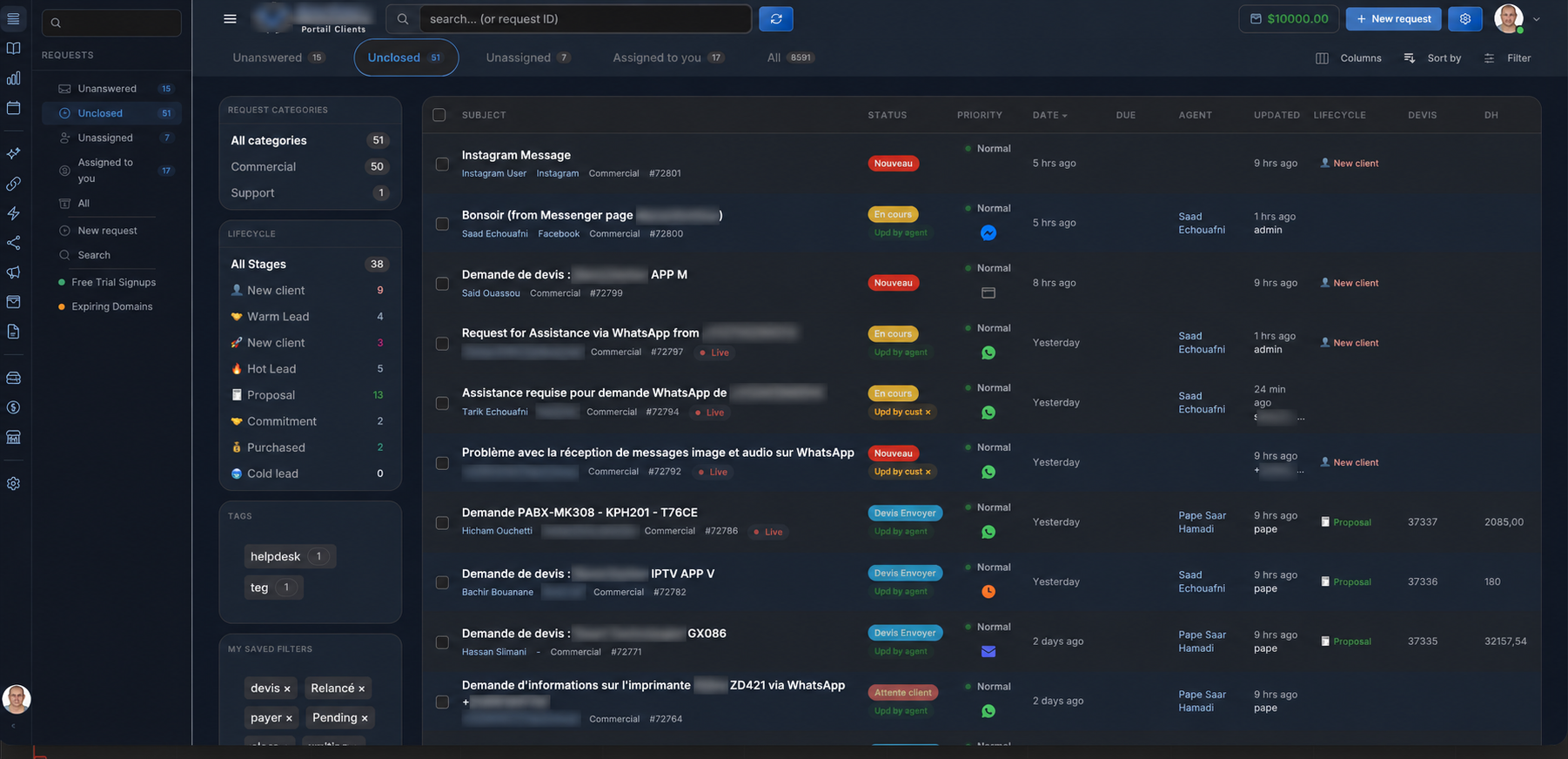
- Every agent sees the same conversations from their own login — desktop or mobile — with the full history behind each contact.
- Assignment replaces chaos: conversations route automatically by availability, skill or workload, so two agents never answer the same customer twice.
- Private notes and mentions let the team coordinate inside the conversation without the customer seeing anything.
- Tags and statuses turn a messy stream into a pipeline you can filter: new, in progress, waiting on customer, resolved.
The rules that keep ten agents sane
Tools alone do not create order; agree on three rules from day one. First, every conversation gets an owner within minutes — auto-assignment handles this. Second, nothing is closed without a tag, so reporting stays truthful. Third, internal talk happens in notes, never in the customer thread.
Measuring the team honestly
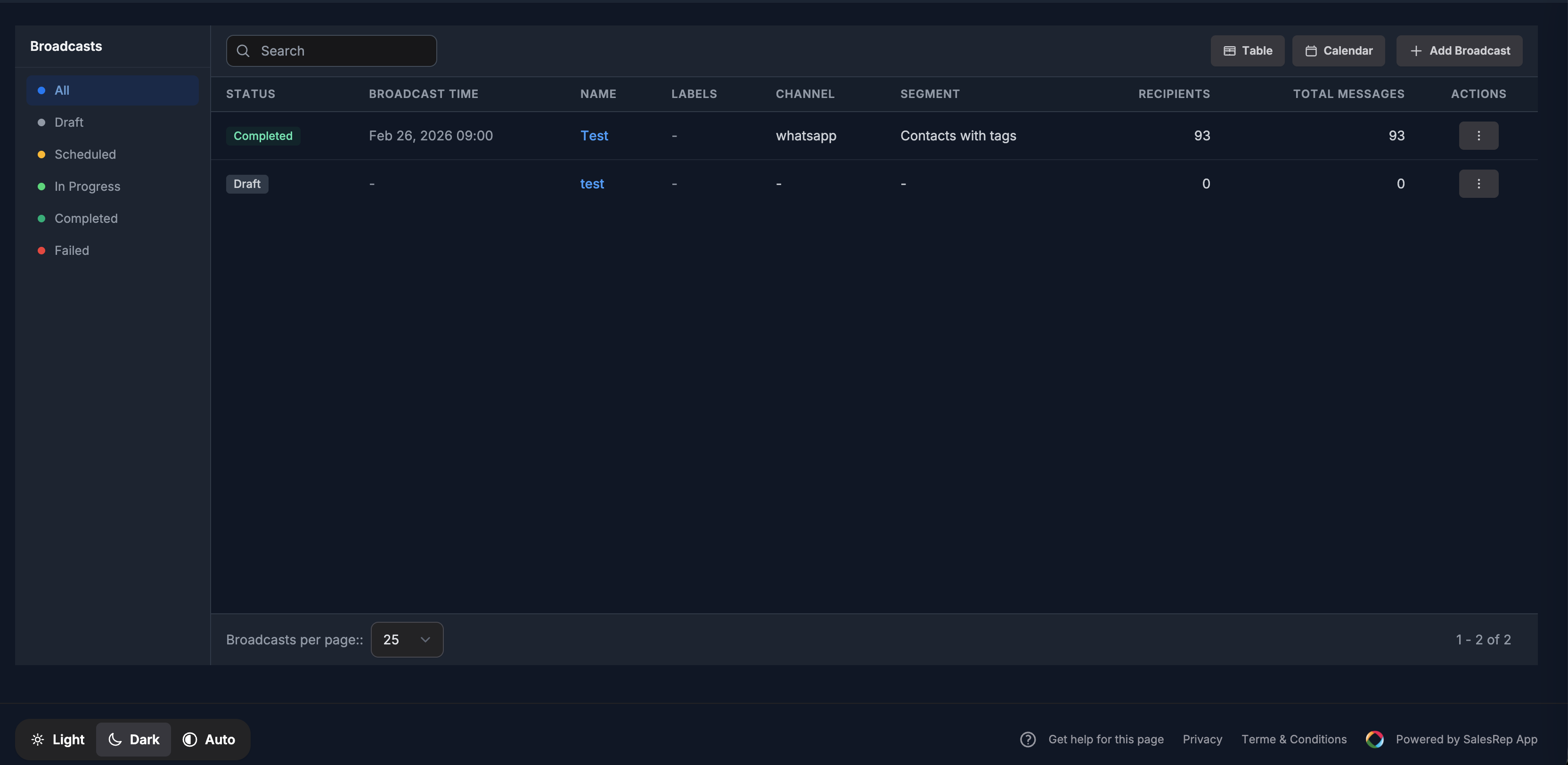
Once conversations are owned and tagged, the numbers become meaningful: first-response time per agent, resolutions per day, conversations reopened. Pair that with an SLA alert — for example, escalate anything unanswered after fifteen minutes — and slow days surface themselves before customers complain.
Where AI fits in
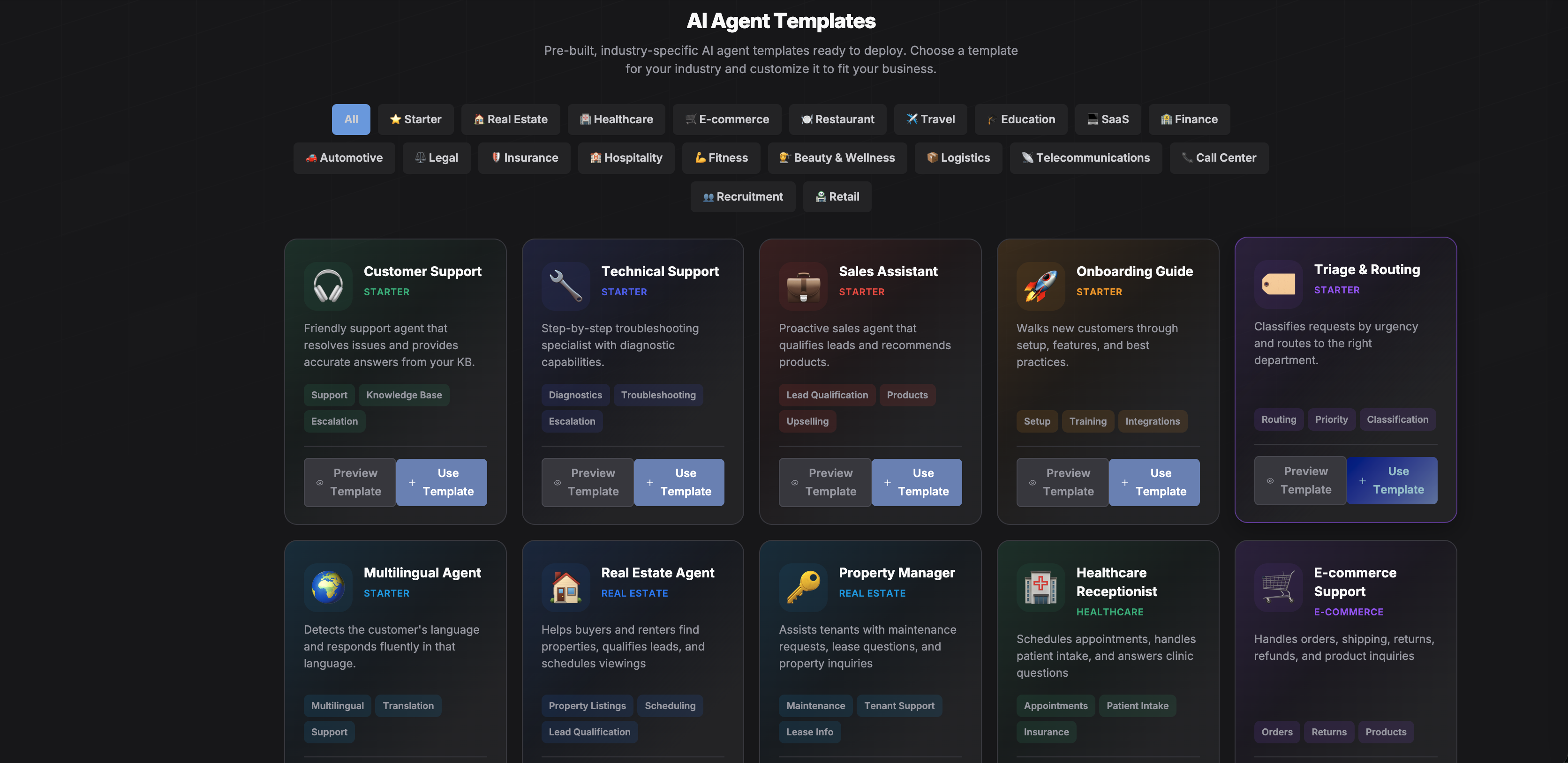
The routine half of inbound volume — opening hours, prices, order status — never needs to reach an agent. An AI agent answers those instantly and hands over the rest with context, so your ten humans spend their time on the conversations that actually need judgment.
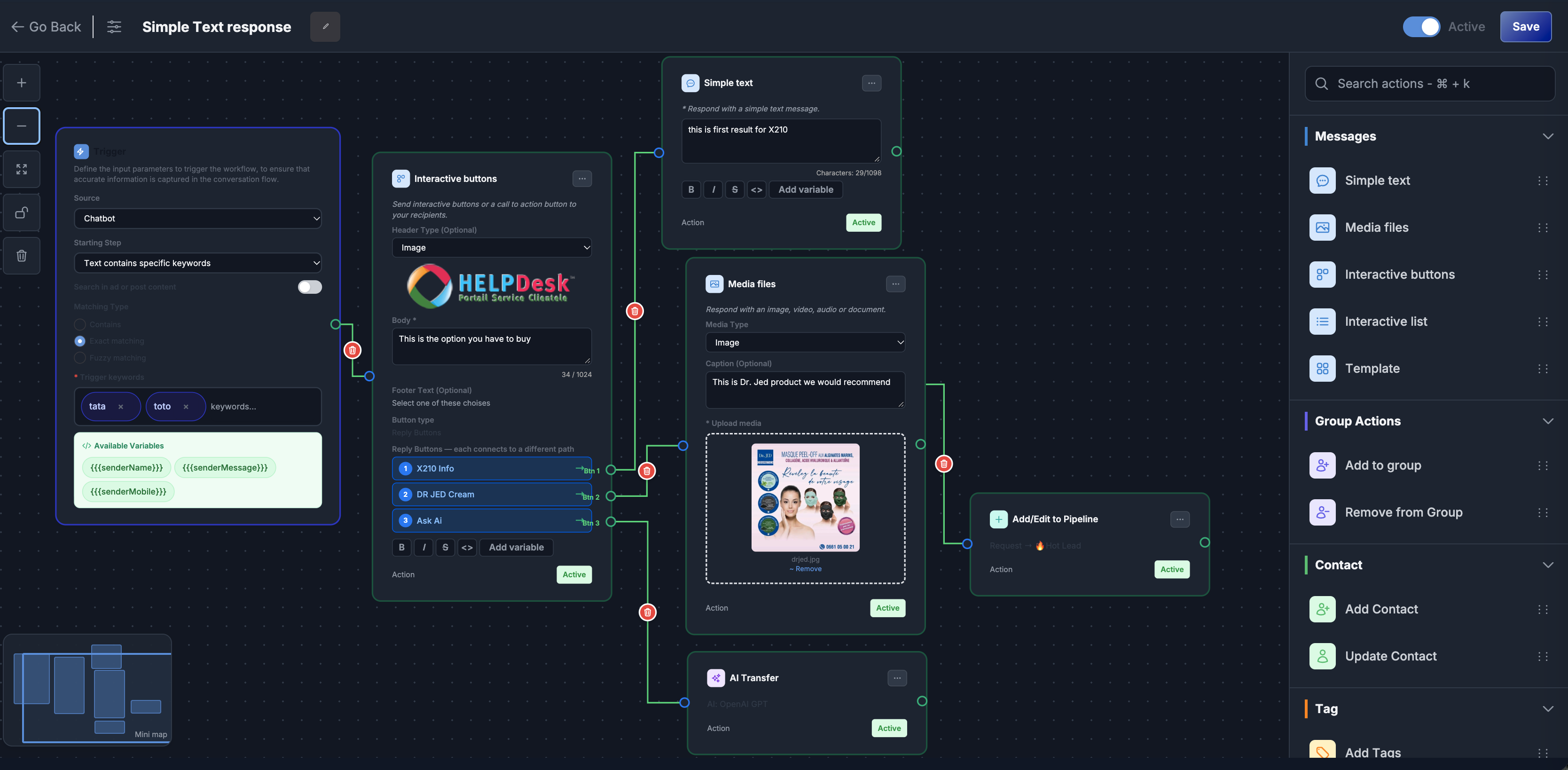
SalesRep gives you the shared inbox, auto-assignment, notes, tags, SLA alerts and AI handoff on one WhatsApp number, alongside email, Instagram and live chat in the same view. Put your whole team on it free for 21 days.